
Google AI Introduces Natively Adaptive Interfaces (NAI): An Agentic Multimodal Accessibility Framework Built on Gemini for Adaptive UI Design
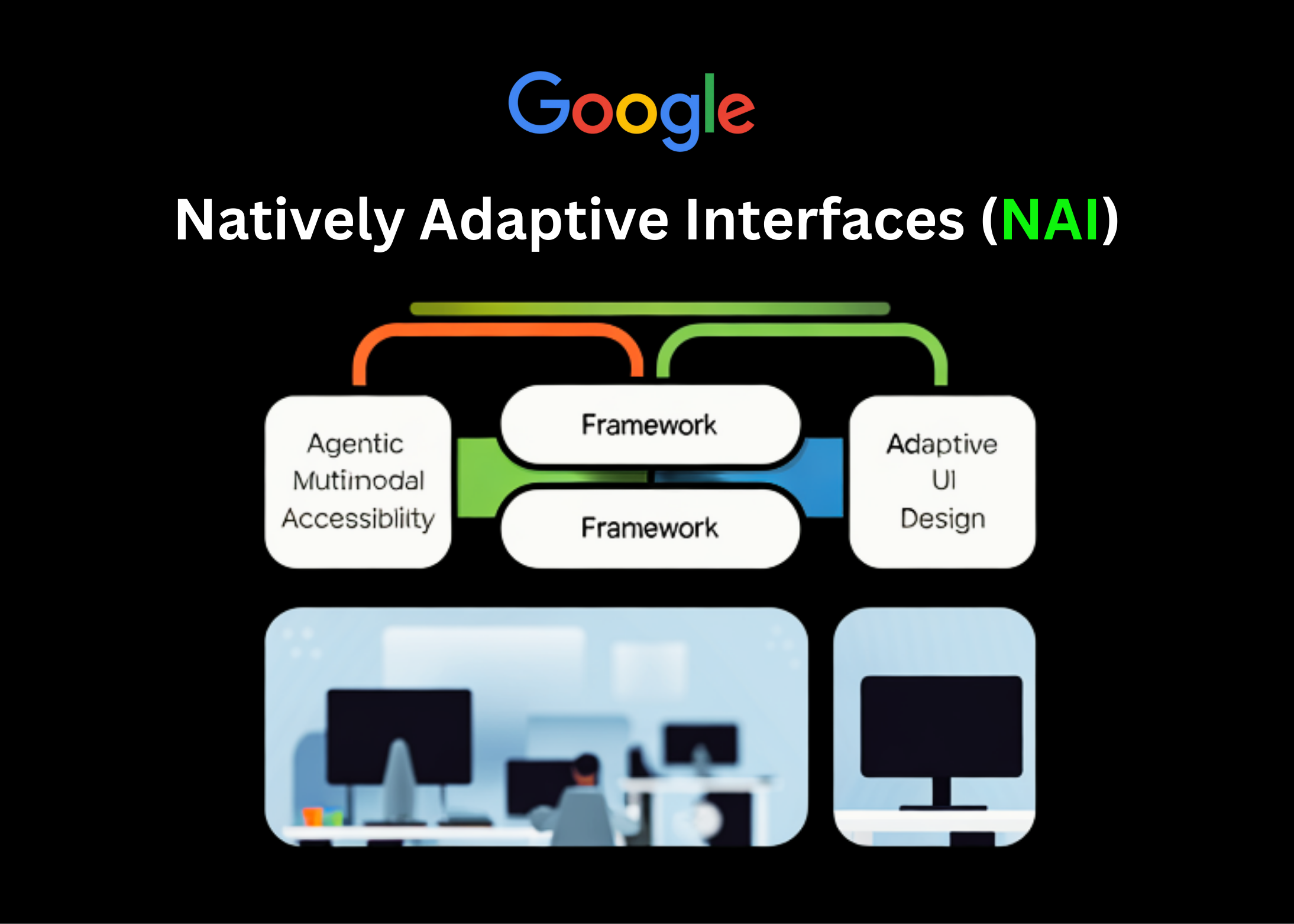


Google Research is proposing a new way to build accessible software with Natively Adaptive Interfaces (NAI), an agentic framework where a multimodal AI agent becomes the primary user interface and adapts the application in real time to each user’s abilities and context.
Instead of shipping a fixed UI and adding accessibility as a separate layer, NAI pushes accessibility into the core architecture. The agent observes, reasons, and then modifies the interface itself, moving from one-size-fits-all design to context-informed decisions.
What Natively Adaptive Interfaces (NAI) Change in the Stack?
NAI starts from a simple premise: if an interface is mediated by a multimodal agent, accessibility can be handled by that agent instead of by static menus and settings.
Key properties include:
- The multimodal AI agent is the primary UI surface. It can see text, images, and layouts, listen to speech, and output text, speech, or other modalities.
- Accessibility is integrated into this agent from the beginning, not bolted on later. The agent is responsible for adapting navigation, content density, and presentation style to each user.
- The design process is explicitly user-centered, with people with disabilities treated as edge users who define requirements for everyone, not as an afterthought.
The framework targets what Google team calls the ‘accessibility gap’– the lag between adding new product features and making them usable for people with disabilities. Embedding agents into the interface is meant to reduce this gap by letting the system adapt without waiting for custom add-ons.
Agent Architecture: Orchestrator and Specialized Tools
Under NAI, the UI is backed by a multi-agent system. The core pattern is:
- An Orchestrator agent maintains shared context about the user, the task, and the app state.
- Specialized sub-agents implement focused capabilities, such as summarization or settings adaptation.
- A set of configuration patterns defines how to detect user intent, add relevant context, adjust settings, and correct flawed queries.
For example, in NAI case studies around accessible video, Google team outlines core agent capabilities such as:
- Understand user intent.
- Refine queries and manage context across turns.
- Engineer prompts and tool calls in a consistent way.
From a systems point of view, this replaces static navigation trees with dynamic, agent-driven modules. The ‘navigation model’ is effectively a policy over which sub-agent to run, with what context, and how to render its result back into the UI.
Multimodal Gemini and RAG for Video and Environments
NAI is explicitly built on multimodal models like Gemini and Gemma that can process voice, text, and images in a single context.
In the case of accessible video, Google describes a 2-stage pipeline:
- Offline indexing
- The system generates dense visual and semantic descriptors over the video timeline.
- These descriptors are stored in an index keyed by time and content.
- Online retrieval-augmented generation (RAG)
- At playback time, when a user asks a question such as “What is the character wearing right now?”, the system retrieves relevant descriptors.
- A multimodal model conditions on these descriptors plus the question to generate a concise, descriptive answer.
This design supports interactive queries during playback, not just pre-recorded audio description tracks. The same pattern generalizes to physical navigation scenarios where the agent needs to reason over a sequence of observations and user queries.
Concrete NAI Prototypes
Google’s NAI research work is grounded in several deployed or piloted prototypes built with partner organizations such as RIT/NTID, The Arc of the United States, RNID, and Team Gleason.
StreetReaderAI
- Built for blind and low-vision users navigating urban environments.
- Combines an AI Describer that processes camera and geospatial data with an AI Chat interface for natural language queries.
- Maintains a temporal model of the environment, which allows queries like ‘Where was that bus stop?’ and replies such as ‘It is behind you, about 12 meters away.’
Multimodal Agent Video Player (MAVP)
- Focused on online video accessibility.
- Uses the Gemini-based RAG pipeline above to provide adaptive audio descriptions.
- Lets users control descriptive density, interrupt playback with questions, and receive answers grounded in indexed visual content.
Grammar Laboratory
- A bilingual (American Sign Language and English) learning platform created by RIT/NTID with support from Google.org and Google.
- Uses Gemini to generate individualized multiple-choice questions.
- Presents content through ASL video, English captions, spoken narration, and transcripts, adapting modality and difficulty to each learner.
Design process and curb-cut effects
The NAI documentation describes a structured process: investigate, build and refine, then iterate based on feedback. In one case study on video accessibility, the team:
- Defined target users across a spectrum from fully blind to sighted.
- Ran co-design and user test sessions with about 20 participants.
- Went through more than 40 iterations informed by 45 feedback sessions.
The resulting interfaces are expected to produce a curb-cut effect. Features built for users with disabilities – such as better navigation, voice interactions, and adaptive summarization – often improve usability for a much wider population, including non-disabled users who face time pressure, cognitive load, or environmental constraints.
Key Takeaways
- Agent is the UI, not an add-on: Natively Adaptive Interfaces (NAI) treat a multimodal AI agent as the primary interaction layer, so accessibility is handled by the agent directly in the core UI, not as a separate overlay or post-hoc feature.
- Orchestrator + sub-agents architecture: NAI uses a central Orchestrator that maintains shared context and routes work to specialized sub-agents (for example, summarization or settings adaptation), turning static navigation trees into dynamic, agent-driven modules.
- Multimodal Gemini + RAG for adaptive experiences: Prototypes such as the Multimodal Agent Video Player build dense visual indexes and use retrieval-augmented generation with Gemini to support interactive, grounded Q&A during video playback and other rich media scenarios.
- Real systems: StreetReaderAI, MAVP, Grammar Laboratory: NAI is instantiated in concrete tools: StreetReaderAI for navigation, MAVP for video accessibility, and Grammar Laboratory for ASL/English learning, all powered by multimodal agents.
- Accessibility as a core design constraint: The framework encodes accessibility into configuration patterns (detect intent, add context, adjust settings) and leverages the curb-cut effect, where solving for disabled users improves robustness and usability for the broader user base.
Check out the Technical details here. Also, feel free to follow us on Twitter and don’t forget to join our 100k+ ML SubReddit and Subscribe to our Newsletter. Wait! are you on telegram? now you can join us on telegram as well.



